Your complete sailing dashboard — wind, depth, AIS, charts, and AR navigation in one app.


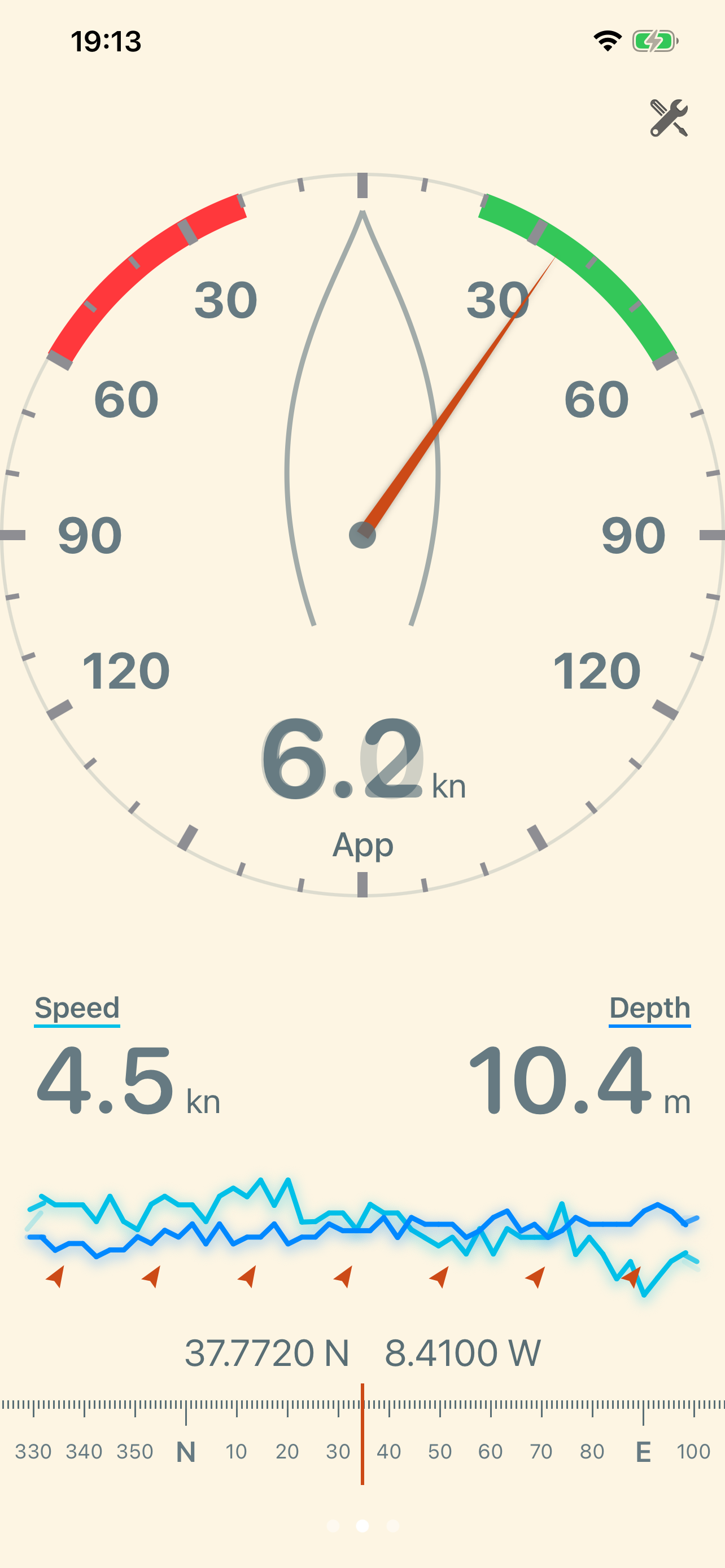
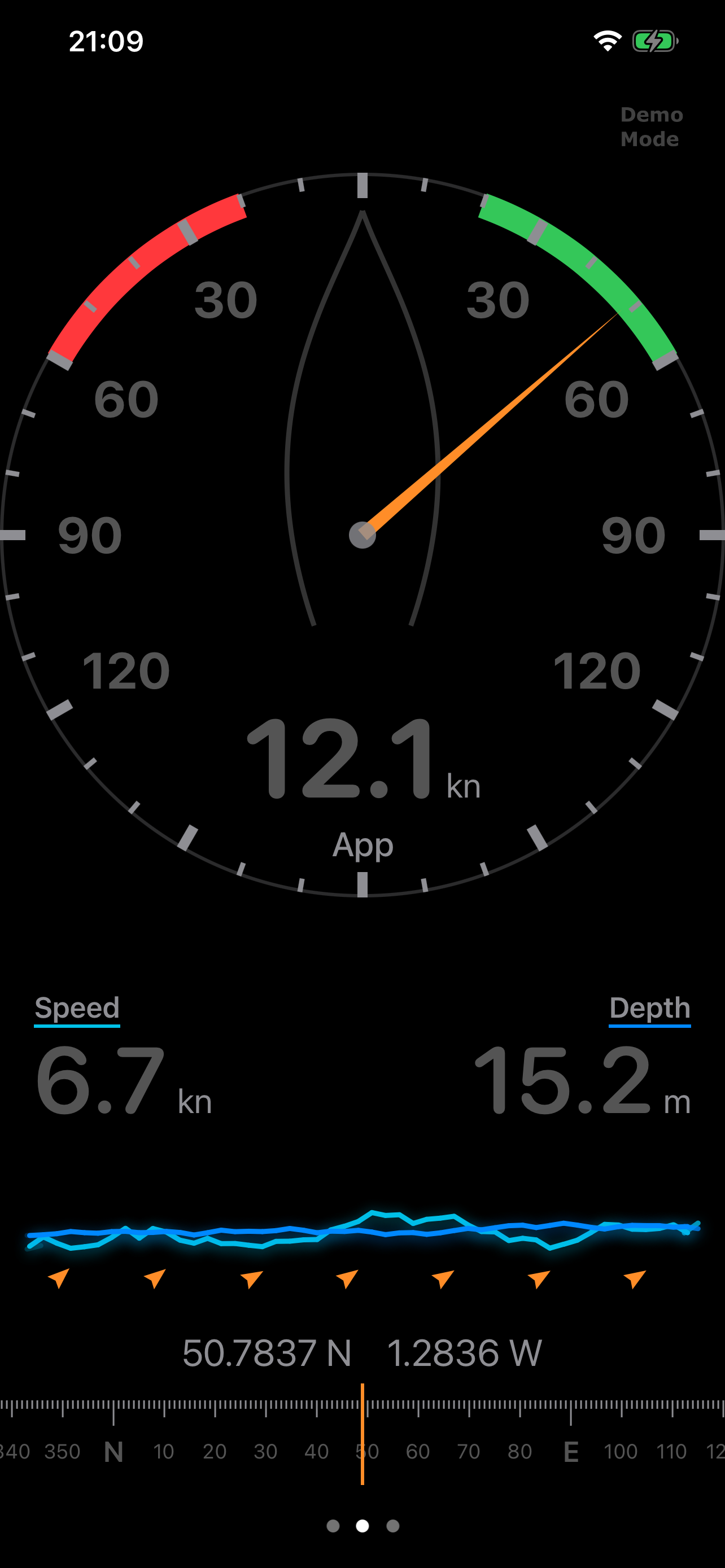
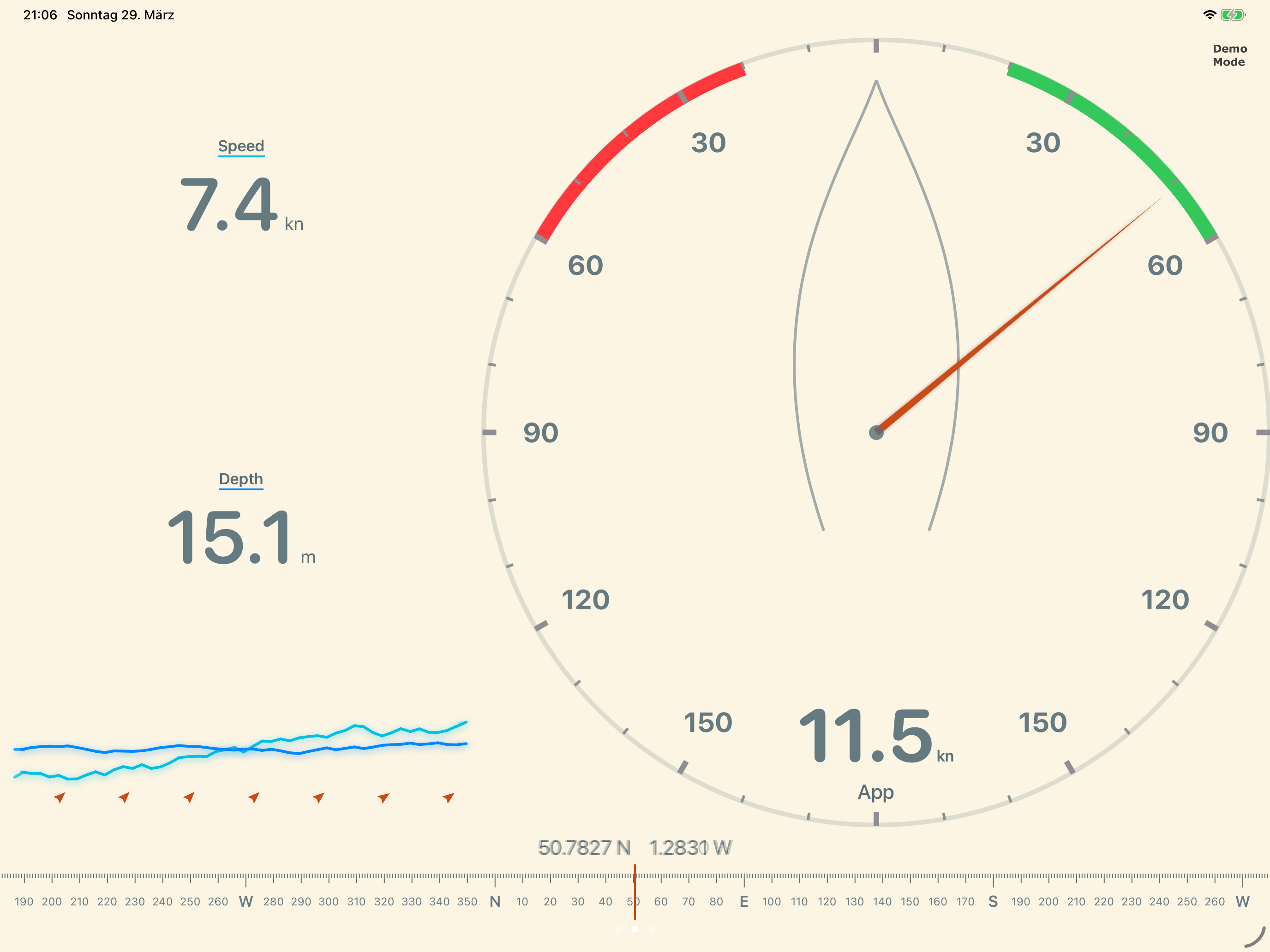
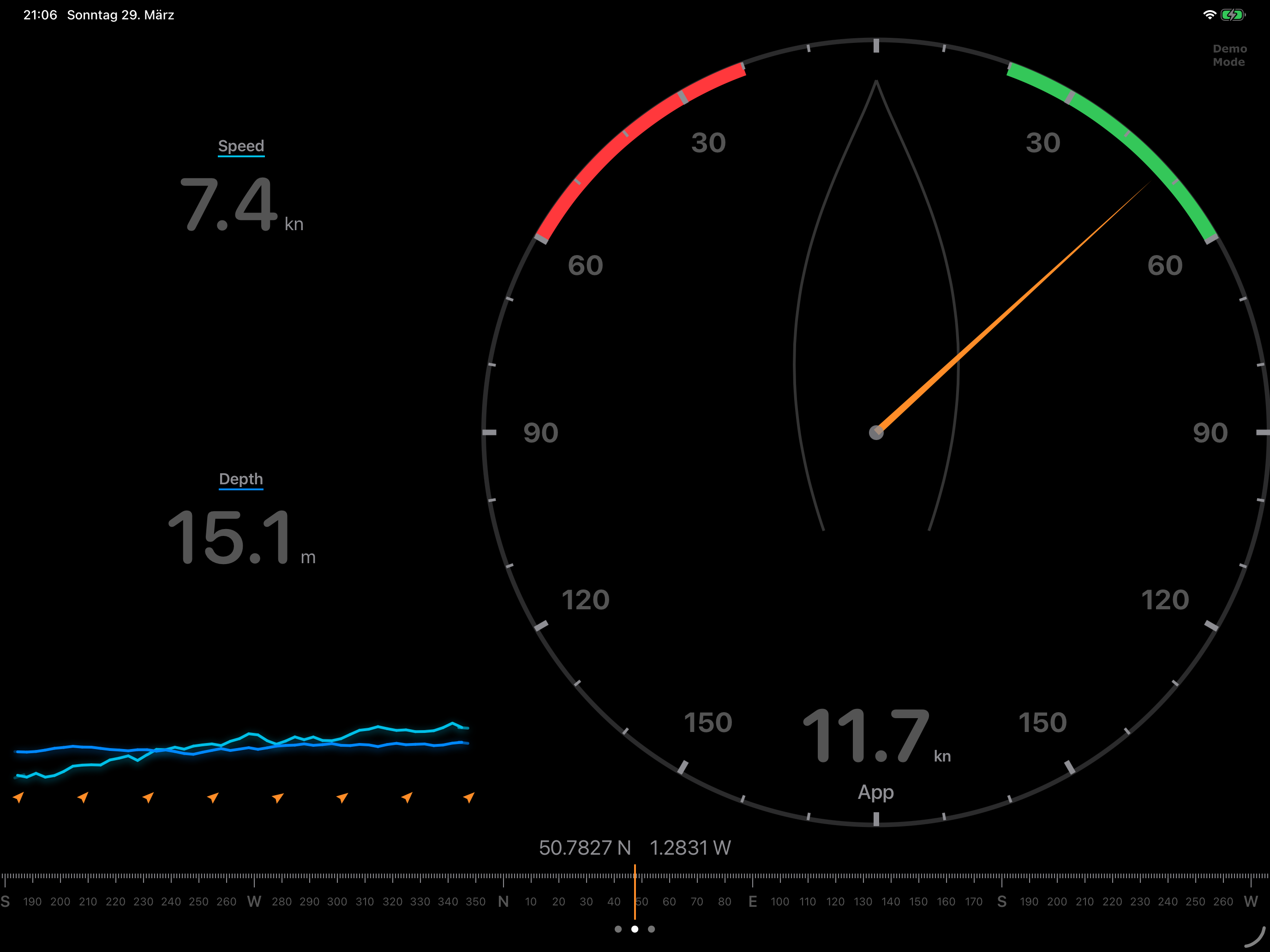
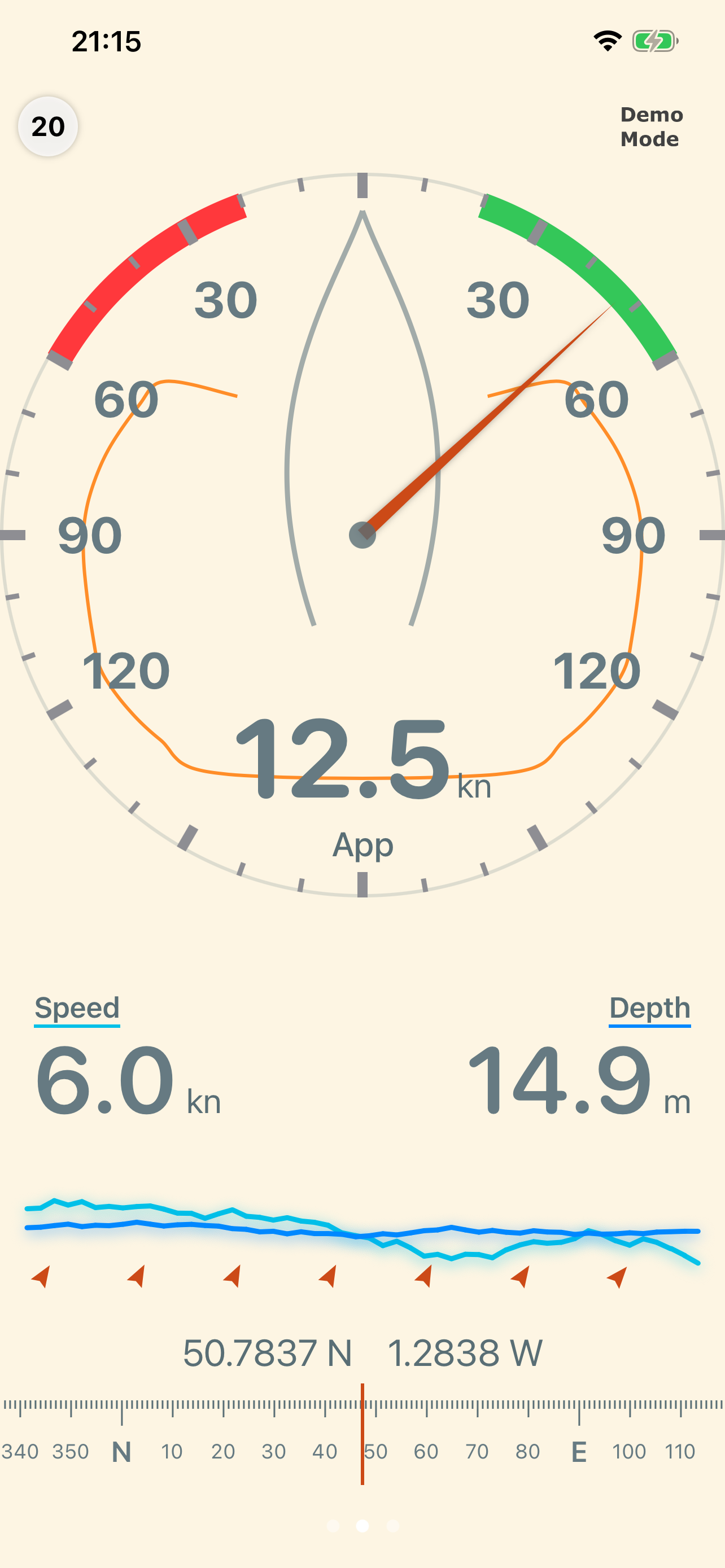
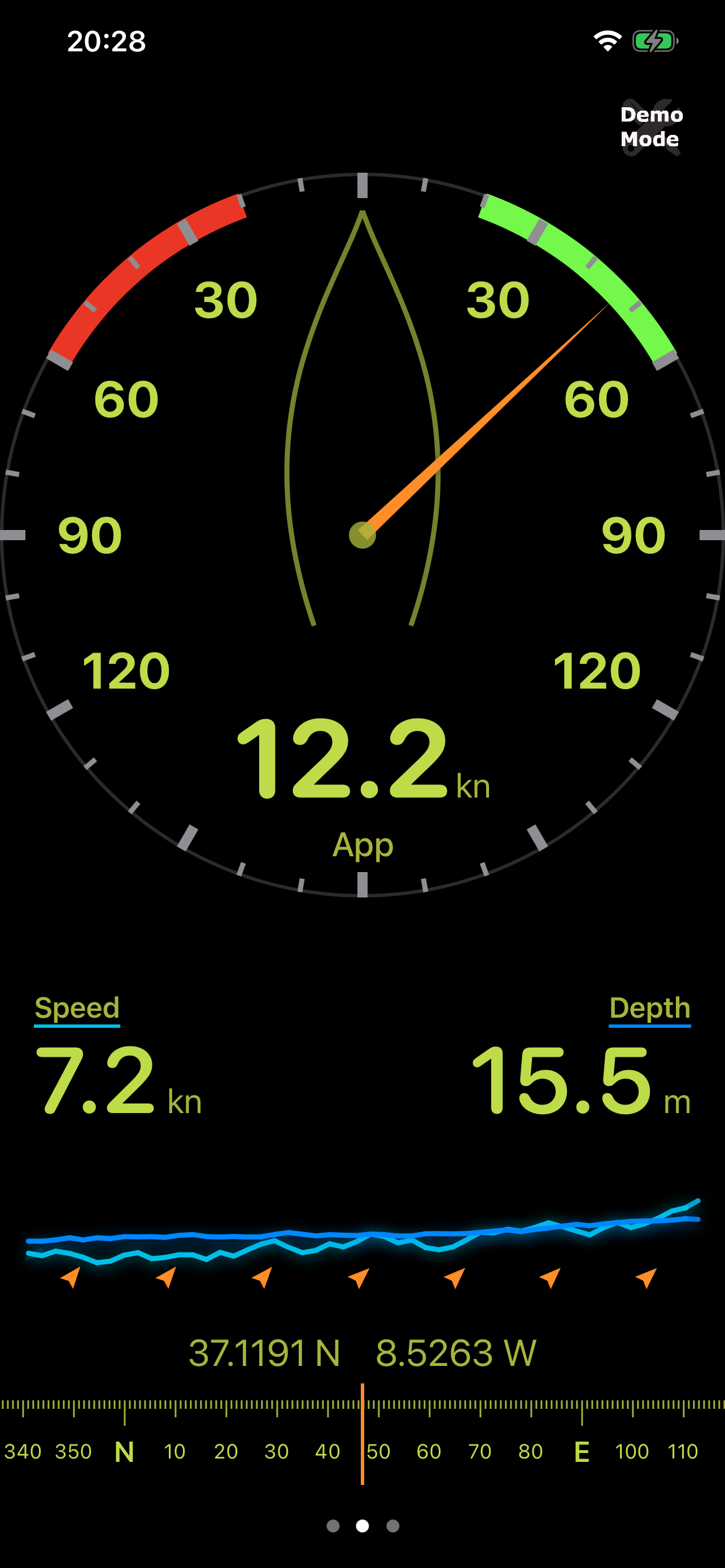
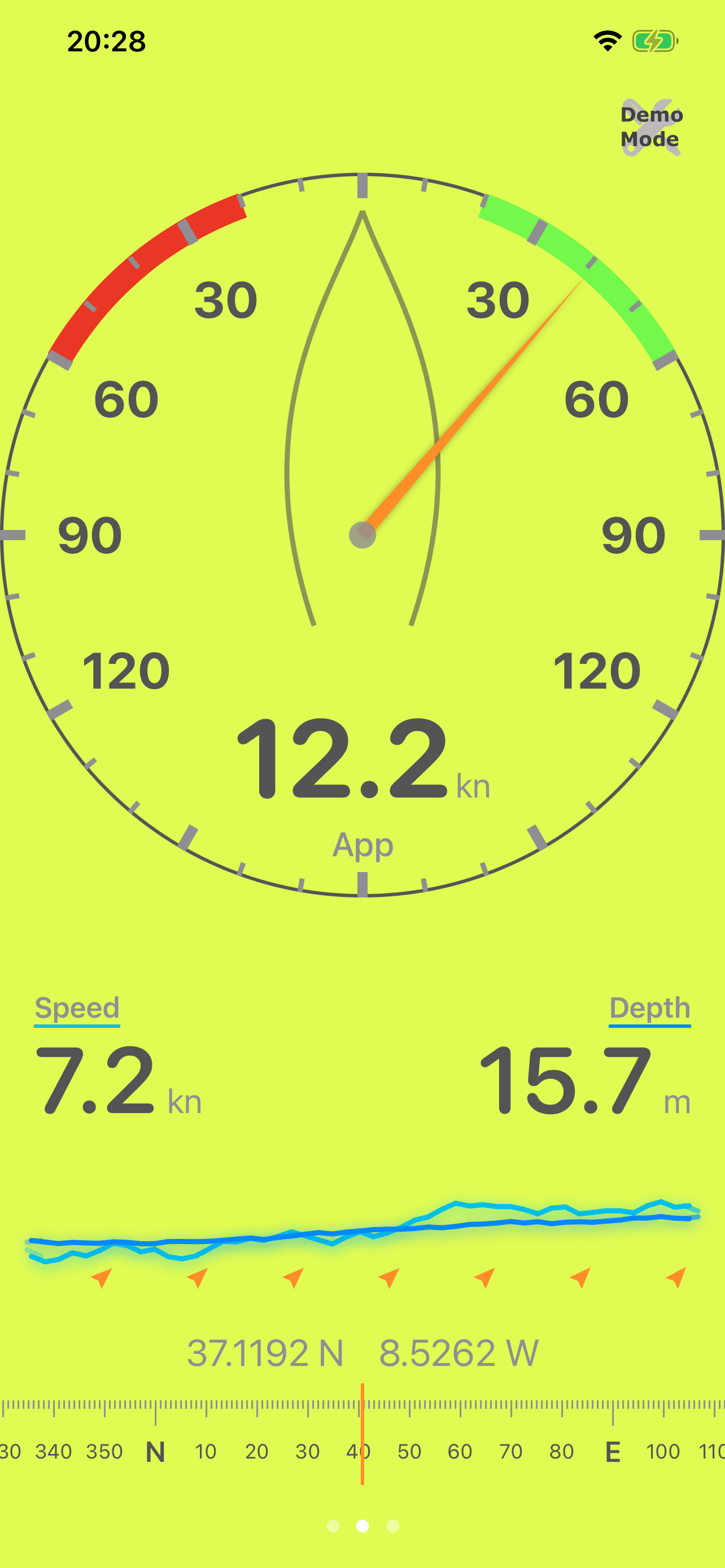
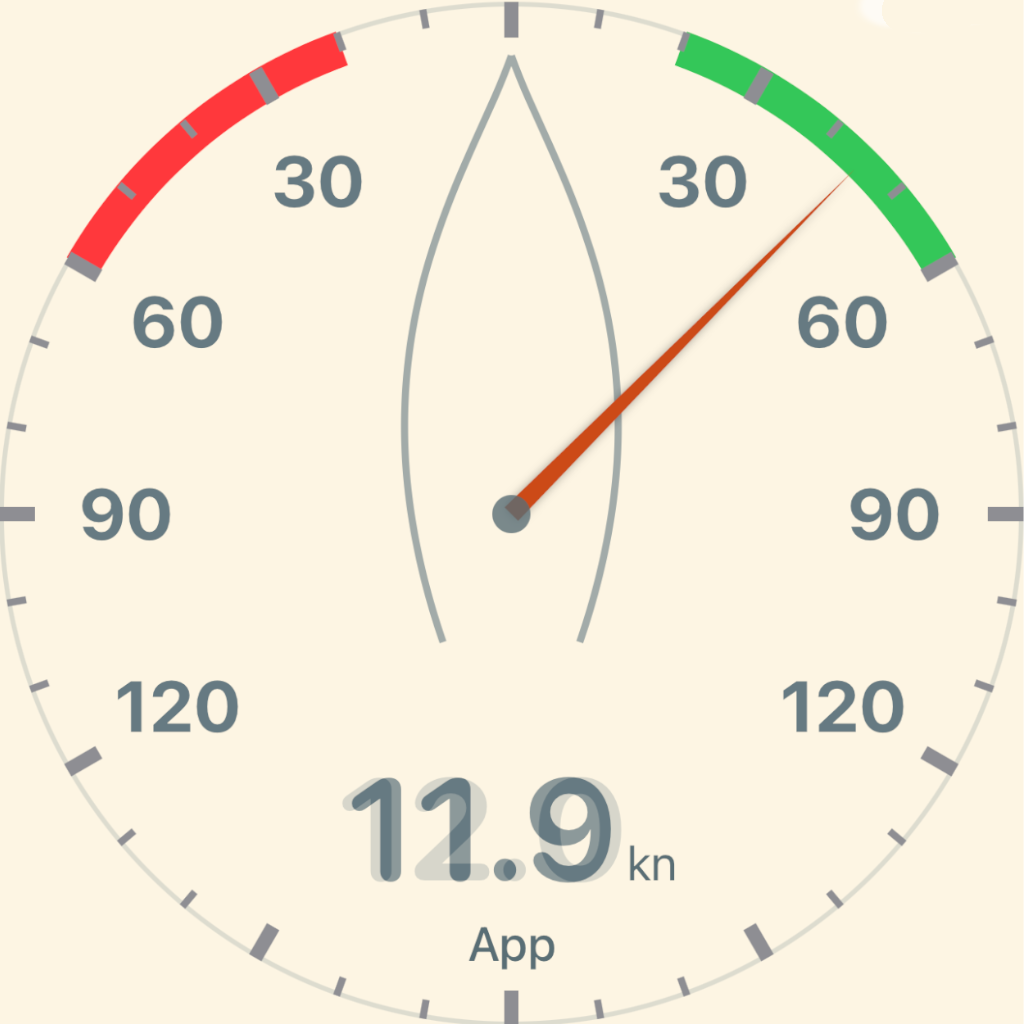
Large analog wind gauge shows apparent or true wind angle at a glance. Tap to toggle True/Apparent. Data updates smoothly via animated interpolation.
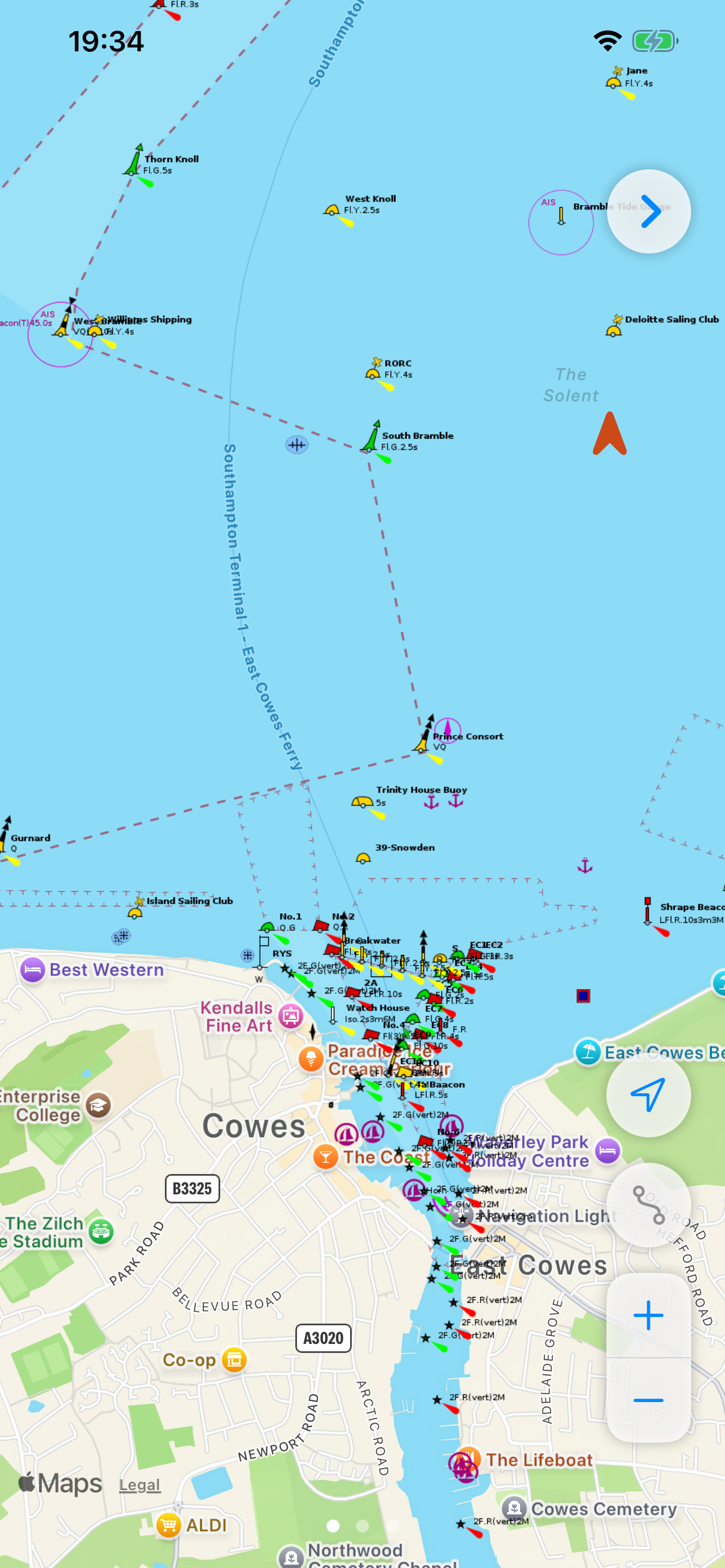
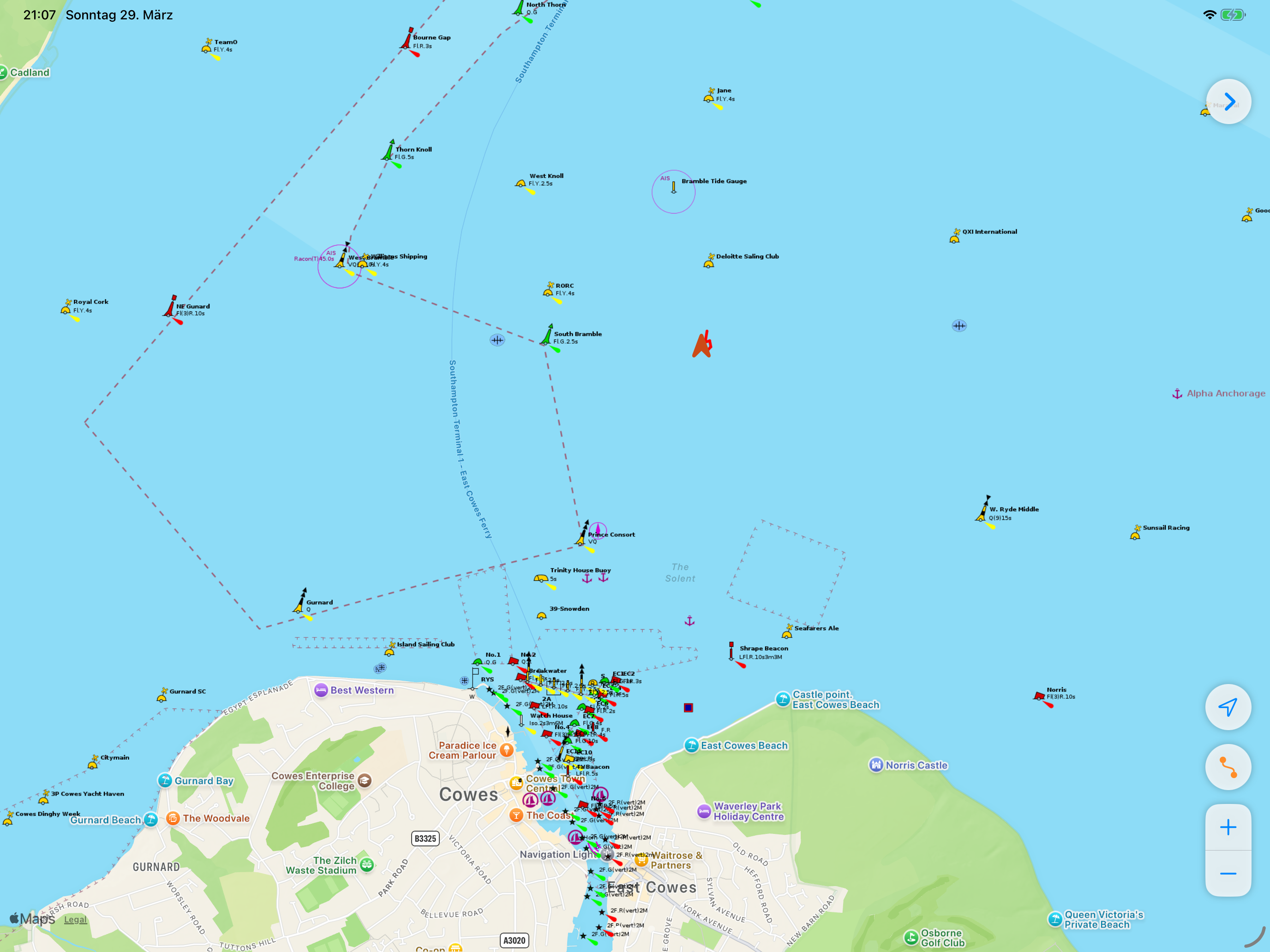
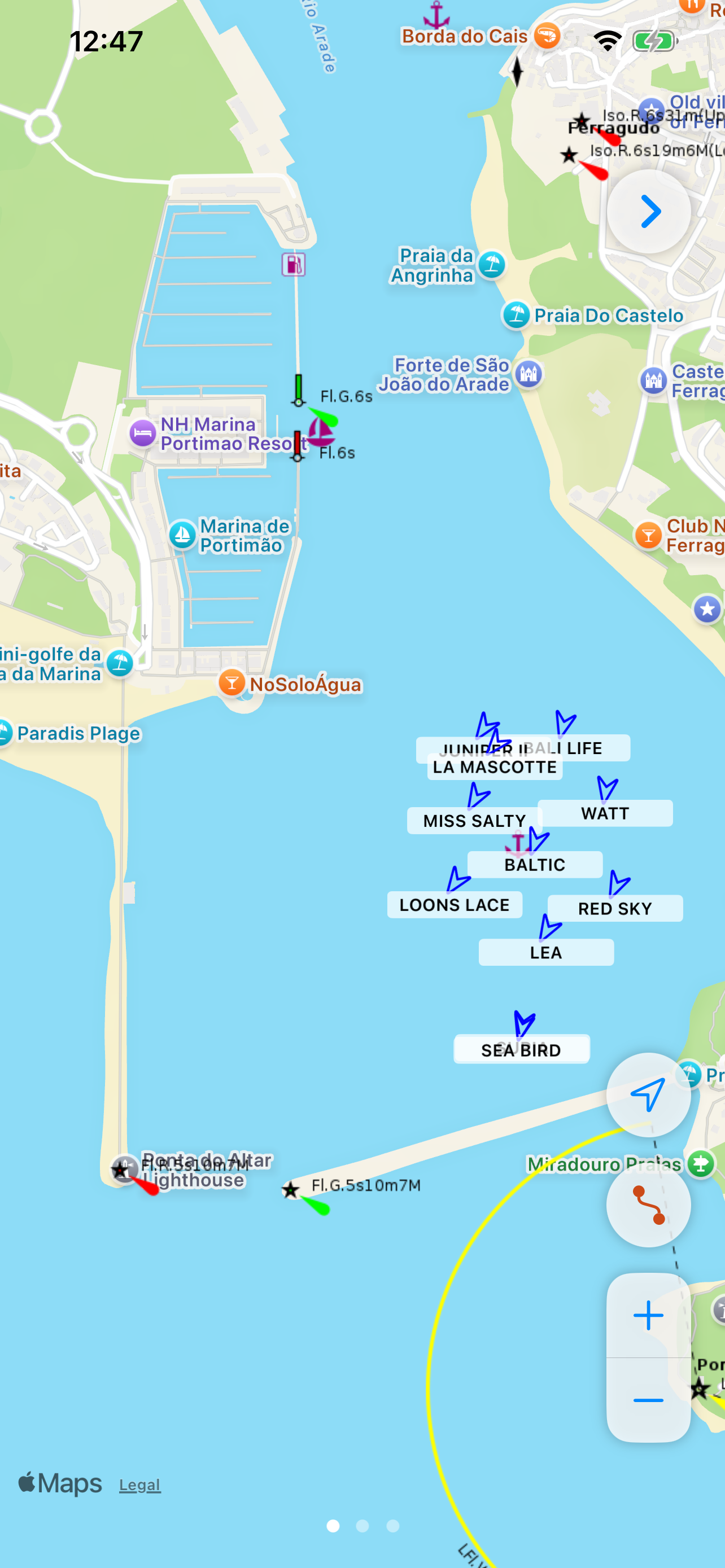
Nautical chart overlay with offline tile caching. See seamarks, buoys, and depth contours on top of Apple Maps — even without a data connection.
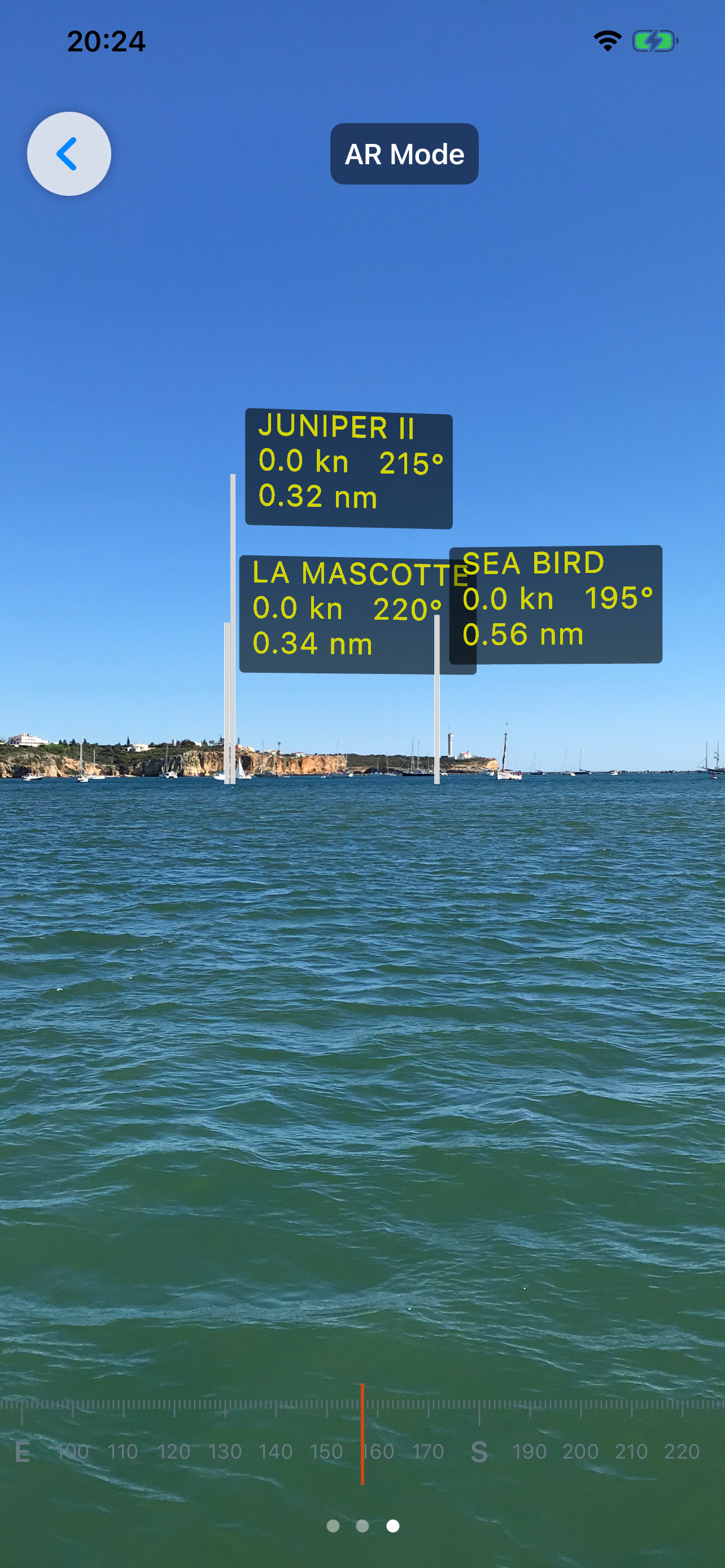
Live AIS vessel overlay on both the map and AR view. Shows vessel name, MMSI, speed, and course. Stale targets auto-expire after 10 minutes.
Augmented Reality overlay places AIS vessel markers at the correct compass bearing through your camera lens, aligned to gravity and magnetic north.
Connects to any NMEA 0183 source via UDP or TCP with full support for multiple configurable connection profiles. Add limitless boat configurations, seamlessly switch streams with a tap, or easily hook into SignalK WebSockets natively.
Live sparkline graphs of speed, depth, and wind angle for the last 50 data points — color-coded and always visible at the bottom of the dashboard.
Your course is drawn as a red polyline on the chart, logged every 5 metres. Up to 1,000 track points retained per session.
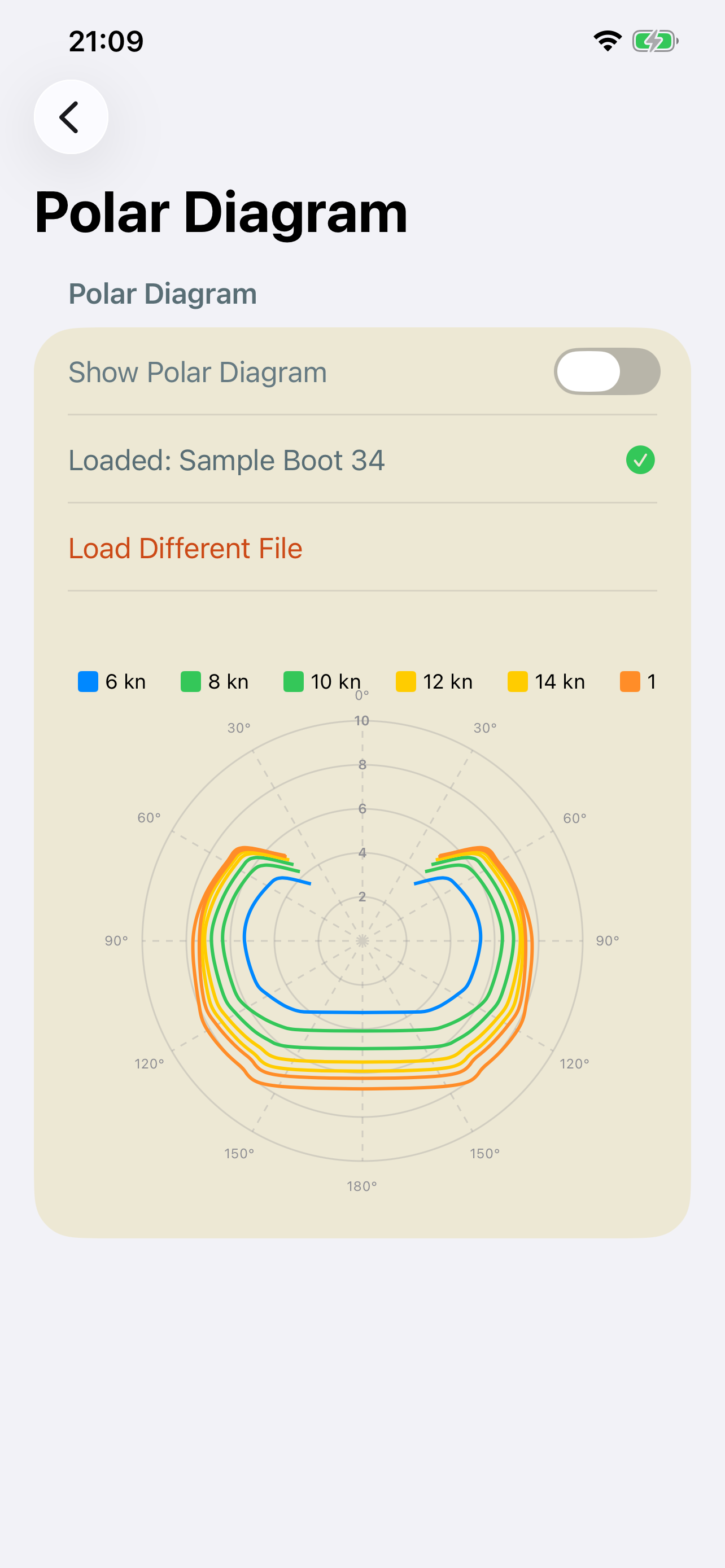
Load your yacht's polar file (.txt / .csv) for wind-curve overlays. Multi-grid view in settings shows all wind speeds simultaneously, color-coded by intensity.
Multiple color themes. Tap any readout to cycle units: speed in kn / km/h / m/s, depth in m / ft, wind in kn / km/h / m/s.
Pinch-to-zoom directly on the wind gauge to toggle a high-resolution close-hauled view. Maps 0°-70° across the full visual dial for surgical steering precision.
Open the Settings tab and navigate to "NMEA Network". Here, tap the "+" button to configure a limitless number of marine gateway profiles. Entering a new boat? Simply toggle its profile on—NMEASail automatically manages the background TCP/UDP socket transitions. Don't know your port? Tap "Scan Network" to sniff your local Wi-Fi and instantly drop any broadcasting marine gateways into a newly-generated profile format!
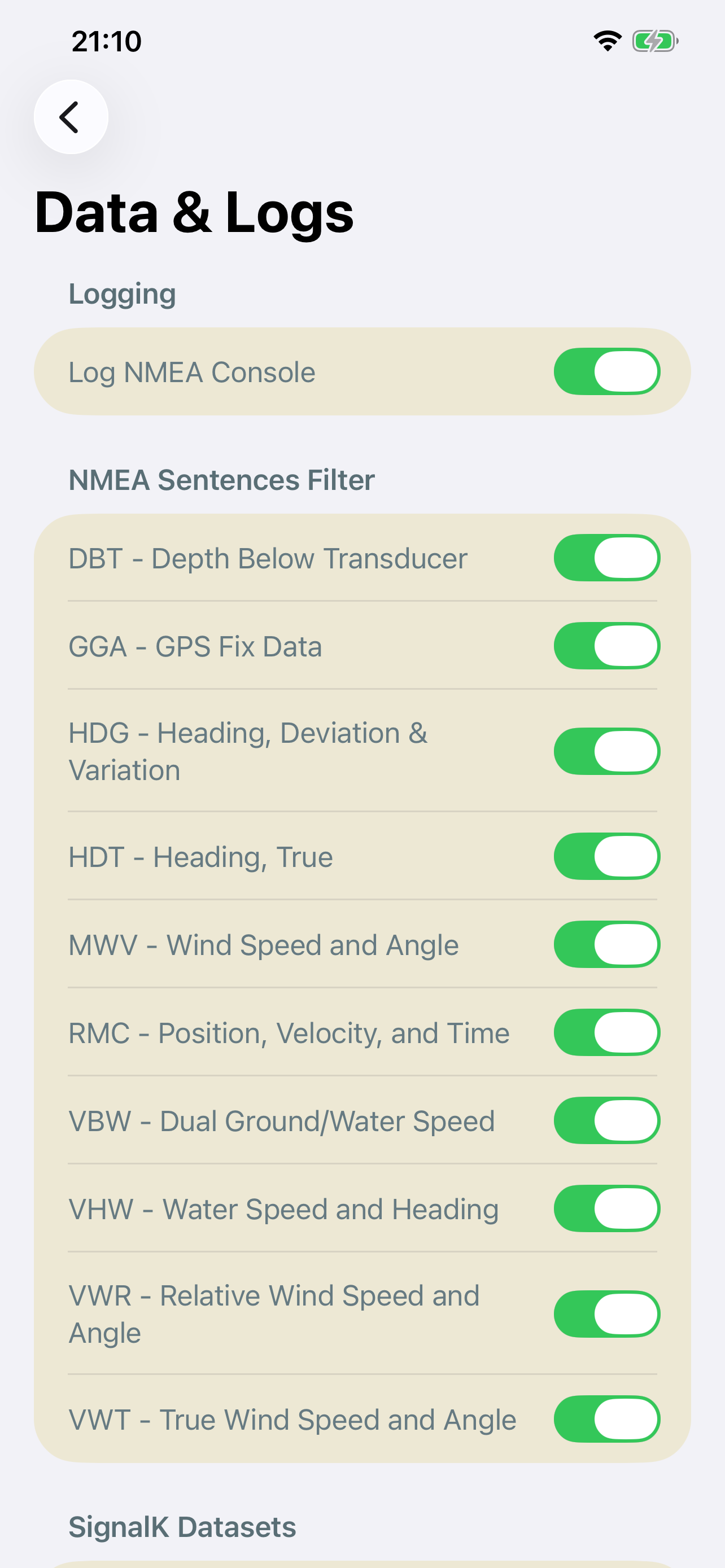
Verify that your boat's gateway is correctly broadcasting NMEA 0183 sentences over the port you selected. If you're on UDP, make sure the sending IP matches. Both the raw network logs and the NMEA Message filters can be found in the Settings tab for troubleshooting.
Yes. The app automatically aggressively caches OpenSeaMap map tiles. If you browse the area you intend to sail while you have an internet connection, that charting data will remain perfectly visible offshore without any cellular service.
You can generate a blank polar.csv template from the Settings menu. Simply locate the generated file in your iOS Files App under NMEASail, punch in your yacht's theoretical hull speeds for various wind angles, and the app will instantly render an interactive 3D grid and apply targets to the gauges.
The main wind instrument supports a multi-touch "Pinch-to-Zoom" gesture. By pinching outward on the instrument face, it instantly scales the dial to focus purely on the 0° to 70° wind range. Pinch inward to zoom back out to the standard 180° view.
We take your privacy seriously. We do not store any user data. All NMEA and SignalK data is processed locally on your device. No personal information, location data, or usage statistics are collected, transmitted, or stored on any server.